Apple Passwords logo
2 versions of the Apple Passwords logo, including the app icon, in transparent PNG: download in any size or copy straight into Figma. Free, no sign-up.
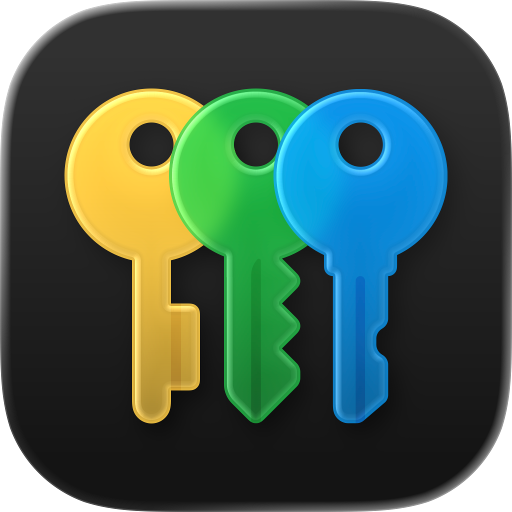
This version is available as PNG. SVG hasn’t been added yet.
The logo is a trademark of its owner. By downloading the file, you agree to the terms of use.
About the Apple Passwords logo
Apple Passwords: 2 versions — icon, iOS 27 Golden Gate.
- Category
- Security & access
- Ecosystem
- Apple
- Versions
- 2
- Source files
- PNG
- Updated
- May 22, 2026
Apple Passwords logo in PNG and SVG
2 versions of the Apple Passwords logo: icon, ios 27 golden gate. PNG downloads without a background in any size from 16 to 4096 px.
For a presentation, use PNG at 1024 px or larger. For a website, PNG or WebP works; for a favicon — ICO.
For buttons and lists of services, pick the icon in the list of versions. Available formats are shown under the preview of the selected file.
Apple ecosystem
Whole ecosystem










More: security & access
Whole category












Apple Passwords logo FAQ
Pick a version under the large preview and click “Download PNG” or “Download SVG”. Set the PNG size in the dropdown — 512 px by default, up to 4096 px. The format menu also has WebP, ICO, ICNS and an archive with all formats.
Pick the icon in the list of versions. Available formats are shown under the preview of the selected file; you can set the PNG size before downloading.
This version is PNG only. Click the large preview or the copy square next to “Download PNG” and paste into Figma.
Download a PNG in the size you need or WebP for a website. For a favicon, choose ICO.
Downloads are free and need no sign-up. The logo itself is a trademark of its owner: use it to refer to the brand, in layouts and presentations, and follow the brand guidelines. More in the terms of use.